

Your best source on business and economy news from the United Kingdom
Provided by AGP
GoEnhance AI Publishes Tutorial-Style Workflow for Testing Seedance 2.0 and AI Dance Video Outputs
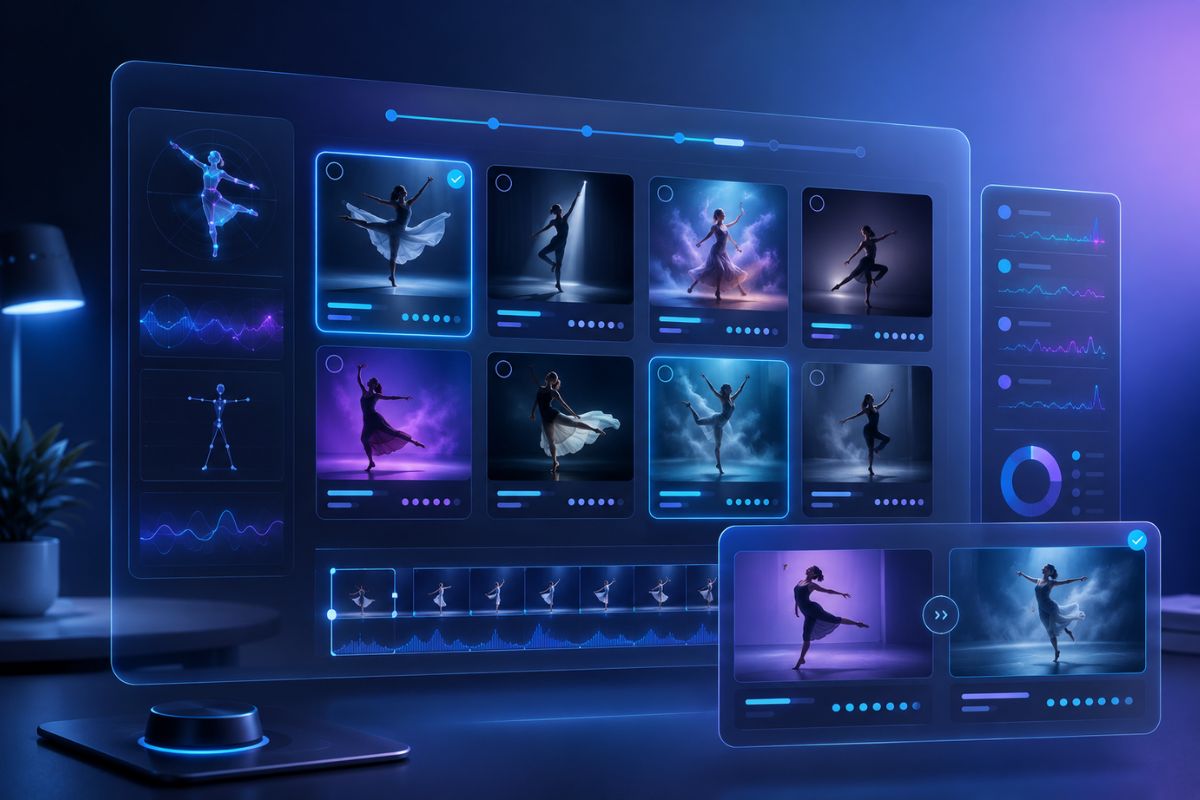
AI Dance Video to Animation Workflow
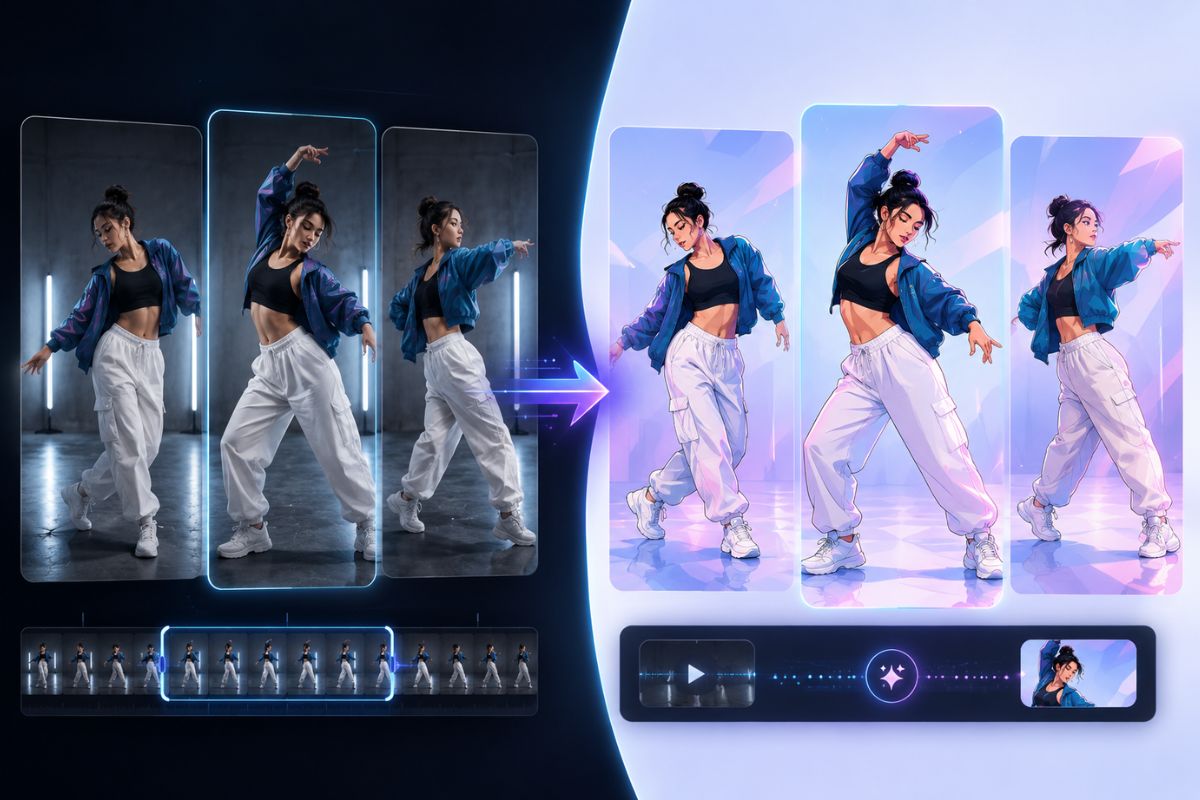
Seedance 2.0 Video Evaluation Workflow
GoEnhance AI shares a workflow for testing Seedance 2.0, scoring AI dance clips, and using the GoEnhance AI video to animation converter.
SHERIDAN, WY, UNITED STATES, May 6, 2026 /EINPresswire.com/ -- GoEnhance AI has published a tutorial-style workflow designed to help creators, editors, and production teams evaluate AI-generated video clips through a more structured and repeatable process. The guide uses Seedance 2.0 as the example model and focuses on practical testing methods for performance-based short videos, including AI dance clips, short social media content, animated visuals, and promotional cutdowns.As AI video production becomes more common across creative workflows, teams are increasingly looking for practical ways to judge whether a generated clip is actually usable. A visually impressive output does not always translate into a production-ready result. In many cases, motion clarity, identity consistency, scene stability, and edit readiness determine whether a clip can move forward into publishing or post-production.
The new GoEnhance AI guide responds to this need by presenting a workflow that treats AI video testing as a repeatable editorial process rather than a one-time experiment. Instead of relying only on general impressions, the guide recommends evaluating clips against a clearly defined shot specification.
The workflow begins with a “ground-truth shot spec,” which helps establish what a successful output should look like before generation starts. According to the guide, this baseline can include details such as:
clip duration and format
subject type and framing
motion or performance direction
camera behavior
lighting conditions
scene simplicity
expected visual style
failure conditions to watch for
This approach allows teams to compare outputs against a measurable creative target rather than a vague prompt outcome.
For performance-oriented content such as AI dance, the guide recommends starting with motion that remains readable even when model performance is imperfect. Rather than using highly complex choreography at the testing stage, the workflow highlights simpler motion patterns that make evaluation easier.
Examples of recommended motion units include:
two-step groove with shoulder movement
walk-in followed by a pose
slow turn with a short pause
chest-level hand gestures
small footwork with limited crossing
The guide notes that these motions can reveal strengths and weaknesses in a model without introducing too many unstable variables at once.
To improve consistency during testing, the workflow also recommends locking a small number of visual anchors across each batch. These anchors help isolate motion quality and reduce unnecessary drift between outputs.
The guide identifies three core anchors:
identity anchor, such as glasses, a hat, or a distinctive hair silhouette
wardrobe anchor, such as one dominant clothing color and one accent color
environment anchor, such as a simple background with a few stable objects
An optional lighting anchor may also be used when visual consistency is especially important.
A major part of the workflow is the six-clip batch test. The guide recommends generating:
2 safe clips
2 normal clips
2 stretch clips
Safe clips use simpler movement and more conservative camera conditions. Normal clips follow the intended creative direction. Stretch clips test more ambitious movement or camera behavior. According to the guide, this small batch size is large enough to reveal recurring issues while still remaining efficient for production teams.
To make results easier to compare, the workflow introduces a simple scoring system based on four editorial categories:
motion readability
identity stability
scene coherence
edit readiness
Each category is scored individually, creating a practical way to judge whether a clip is suitable for publishing, editing, or conversion. The guide suggests that higher-scoring clips are more likely to be usable with minimal correction.
The workflow also highlights several common failure patterns that teams should track during testing. These include:
hand glitches
tangled leg movement
face drift
background wobble
unstable lighting
inconsistent costume details
awkward timing or motion stiffness
Rather than recommending longer or more complicated prompts, the guide emphasizes that many of these issues can be addressed through shot design. Simpler blocking, reduced motion complexity, cleaner environments, and more controlled framing are presented as more effective ways to improve reliability.
Once a stronger result has been identified, the workflow moves into hero-clip selection and preparation. The guide recommends choosing the cleanest segment of a clip before attempting animation conversion. This preparation step typically favors clips with:
stable head movement
coherent hands
minimal motion blur
readable body silhouette
clean subject separation from the background
After this stage, the guide presents the GoEnhance AI video to animation converter as one option for style conversion. The workflow recommends a two-pass method during this phase. One pass is designed to prioritize stability, while the other explores a more stylized visual look. This allows teams to compare animation strength against output coherence and select the version best suited to the project.
The guide also identifies several visual issues that may appear during conversion, including:
edge shimmer around hair and fingers
texture crawl in clothing
background flicker
subtle face-shape changes
over-stylized details that reduce motion clarity
To improve results, the workflow suggests practical adjustments such as shorter clip trims, calmer motion segments, tighter framing, simpler backgrounds, and more moderate style intensity.
For content teams developing repeatable short-form output, the guide also recommends turning one approved concept into multiple assets. A single production idea may produce:
a base realistic clip
an animated version
a hybrid cutdown that combines both looks
This multi-output approach can help improve content efficiency while keeping creative direction consistent across a series.
GoEnhance AI states that the purpose of the workflow is to make AI video testing more practical for everyday production. By documenting shot specifications, test anchors, clip scores, and repeatable failure patterns, teams can gradually build a more reliable internal process for working with generated short video.
The released workflow is intended for a wide range of creative users, including:
content creators
editors
agencies
social media teams
performance-video producers
animation experimenters
short-form marketing teams
The guide uses Seedance 2.0 as the example model, but the broader evaluation structure is designed to remain useful across other AI video tools as well. For teams producing AI dance content or exploring animation conversion workflows, the release offers a practical framework for testing, selecting, and refining short-form outputs in a more production-friendly way.
About GoEnhance AI
GoEnhance AI provides creative AI tools for video, image, animation, and visual content production. The platform supports workflows such as AI video generation, video-to-animation conversion, AI dance video creation, face swap, image enhancement, and other creator-focused visual tools.
Irwin
MewX LLC
+1 307-533-7137
email us here
Visit us on social media:
LinkedIn
YouTube
X
Legal Disclaimer:
EIN Presswire provides this news content "as is" without warranty of any kind. We do not accept any responsibility or liability for the accuracy, content, images, videos, licenses, completeness, legality, or reliability of the information contained in this article. If you have any complaints or copyright issues related to this article, kindly contact the author above.
